What Is GPTBot? OpenAI's Training Crawler Explained
GPTBot crawls the web to collect training data for OpenAI's models. OAI-SearchBot powers ChatGPT's live search. Knowing the difference lets you block one without blocking the other.
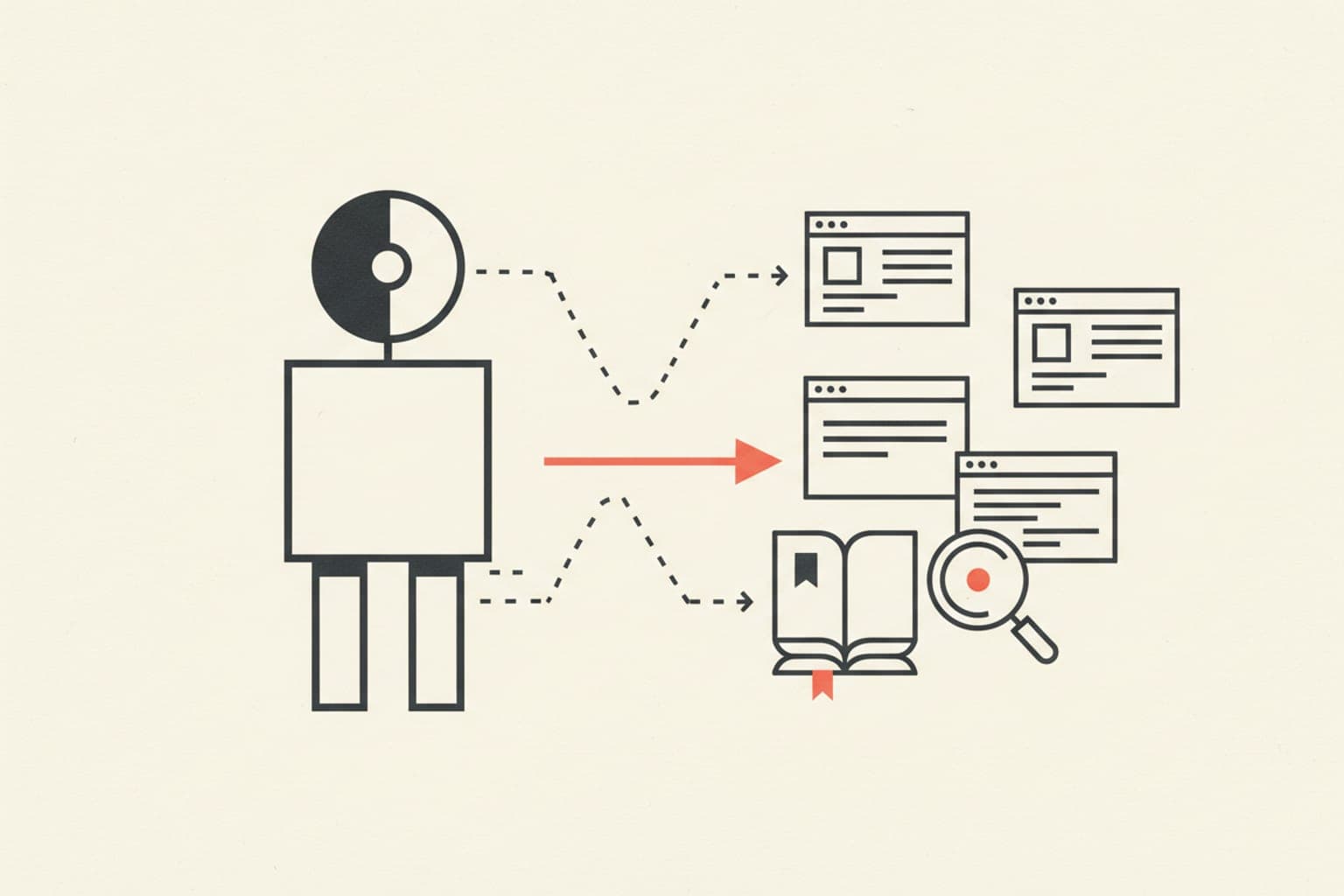
GPTBot is OpenAI's dedicated web crawler for harvesting training data used to build and improve its large language models, including the GPT series. It is not the bot that serves real-time search results in ChatGPT — that role belongs to a separate agent. Understanding the distinction matters because blocking GPTBot affects future model training, while blocking OAI-SearchBot affects whether your content appears in ChatGPT's cited answers today.
What Is GPTBot?#
GPTBot is an automated crawler operated by OpenAI. Its user-agent string is GPTBot, and it crawls public web pages to collect text that may be used as training data for OpenAI's AI models. OpenAI introduced the bot in August 2023 and published documentation so site owners could identify and control it.
Key facts about GPTBot:
- User-agent token:
GPTBot - Full user-agent string:
Mozilla/5.0 AppleWebKit/537.36 (KHTML, like Gecko; compatible; GPTBot/1.2; +https://openai.com/gptbot) - Purpose: Training data collection, not live search
- IP ranges: Published by OpenAI at
https://openai.com/gptbot-ranges.txt - Respects robots.txt: Yes, if you use the
GPTBottoken
How Does GPTBot Differ from OAI-SearchBot?#
OAI-SearchBot is the crawler that powers ChatGPT's browsing and real-time search features. When a user asks ChatGPT a question and the model fetches live web results, OAI-SearchBot is making those requests — not GPTBot.
| Property | GPTBot | OAI-SearchBot |
|---|---|---|
| Purpose | Model training data | Live ChatGPT search results |
| User-agent token | GPTBot | OAI-SearchBot |
| Timing | Periodic background crawl | On-demand, per user query |
| Blocking impact | Excludes you from future training | Excludes you from ChatGPT citations |
Think of GPTBot as the archivist and OAI-SearchBot as the reporter. Blocking the archivist does not remove you from the reporter's beats.
Why Should You Care Which Bot Crawls Your Site?#
Site owners have two separate content-control decisions to make:
- Do you want your content used to train AI models? Block GPTBot if no.
- Do you want to appear in ChatGPT's cited search answers? Block OAI-SearchBot if no — but understand that doing so removes you from AI-generated citations.
Many publishers block GPTBot for copyright or commercial reasons while leaving OAI-SearchBot open to maintain visibility in AI-powered search. These are independent choices, and conflating them is a common configuration mistake.
How Do You Block GPTBot in robots.txt?#
Add the following to your robots.txt file to block GPTBot entirely:
User-agent: GPTBot
Disallow: /
To block only specific directories — for example, paywalled content:
User-agent: GPTBot
Disallow: /premium/
Disallow: /members/
To allow GPTBot but block OAI-SearchBot:
User-agent: GPTBot
Allow: /

User-agent: OAI-SearchBot
Disallow: /
Syntax matters. The token must match exactly — GPTBot is case-sensitive in many crawlers, so do not write gptbot or Gptbot.
Does Blocking GPTBot Affect Your Google Rankings?#
No. GPTBot is an OpenAI crawler; it has no relationship with Googlebot or Google's indexing pipeline. Blocking GPTBot will not change your Google Search ranking, your Bing index, or any other conventional search engine.
The SEO risk runs the other direction: if you accidentally block Googlebot while targeting GPTBot — through a misconfigured wildcard rule — you could harm your rankings. Always verify your robots.txt logic with a validator after editing.
How Can You Verify GPTBot Is Legitimate?#
Crawler spoofing is a real threat. Any bot can claim to be GPTBot in its user-agent string. OpenAI mitigates this by publishing its IP ranges. To confirm a request is genuinely from OpenAI:
- Note the IP address from your server logs.
- Perform a reverse DNS lookup; the hostname should end in
openai.com. - Confirm by forward-resolving that hostname back to the same IP.
- Cross-check against OpenAI's published IP range document.
This DNS double-verification is the same technique used to verify Googlebot — it is the industry standard.
What Content Does GPTBot Collect?#
OpenAI states that GPTBot filters out content behind paywalls, content that violates its usage policies, and personally identifiable information where possible. However, these are self-reported policies — not legally enforceable guarantees.
If you publish:
- Proprietary research
- Licensed creative work
- Premium subscriber content
…you may have both a commercial and a legal reason to block GPTBot regardless of OpenAI's stated filtering practices.
How Does This Fit Into AI Search Readiness?#
AI-powered search engines — including ChatGPT Search, Perplexity, and others — increasingly source answers from live crawls, not just from training data. Your content's visibility in these systems depends on OAI-SearchBot and similar real-time crawlers, not on GPTBot.
If you want to audit how OpenAI's bots (and other AI crawlers) interact with your site right now, SeoChatAI's website auditor checks your robots.txt configuration against known AI crawler tokens and flags conflicts that could inadvertently exclude your content from AI-generated citations.
Separating training-data consent from search-visibility consent is one of the foundational decisions in modern SEO. Getting the robots.txt logic right is the first step.
Quick Reference: OpenAI Crawler Tokens#
| Token | What It Does | Block to… |
|---|---|---|
GPTBot | Training data collection | Opt out of AI model training |
OAI-SearchBot | ChatGPT live search | Opt out of ChatGPT citations |
ChatGPT-User | User-initiated browsing actions | Block real-time plugin access |
