llms.txt vs robots.txt: When to Use Each (or Both)
robots.txt controls crawler access for search engines. llms.txt guides AI language models on how to use your content. This article breaks down exactly when each file matters — and why serious sites need both.
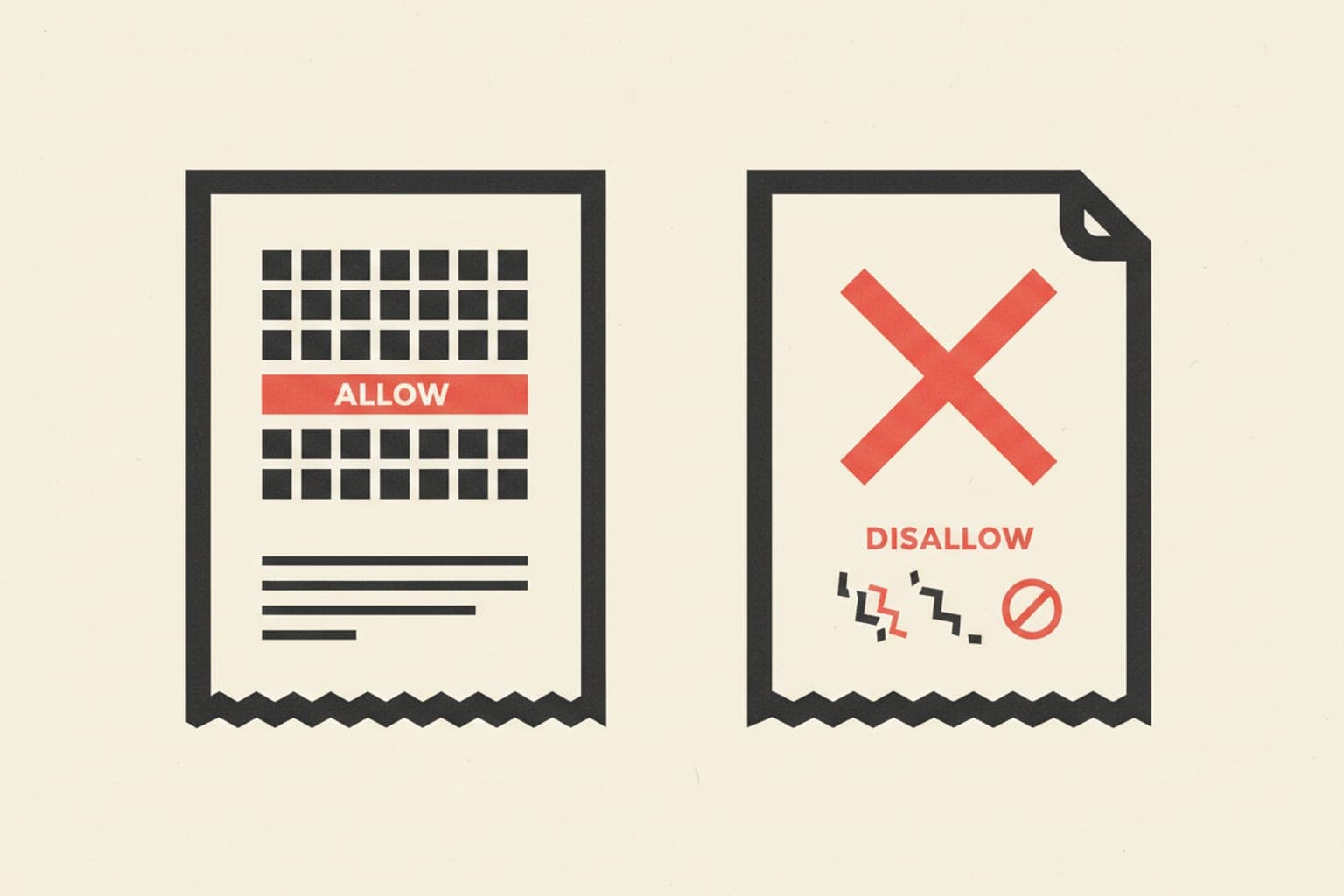
robots.txt controls search-engine crawler access. llms.txt is an emerging convention that signals AI language models how to interpret and use your site's content. Most production sites need both — they solve different problems for different consumers of your pages.
What Is robots.txt and What Does It Control?#
robots.txt is a plain-text file placed at the root of your domain (e.g., https://example.com/robots.txt). It uses the Robots Exclusion Protocol to tell compliant crawlers — Googlebot, Bingbot, and others — which URLs they may or may not fetch. It has been a web standard since 1994 and is universally supported by major search engines.
What robots.txt does well
- Blocks crawlers from staging paths, admin panels, and duplicate content
- Reduces unnecessary crawl budget consumption
- Points crawlers to your XML sitemap
- Segments rules per user-agent (e.g., allow Googlebot but block AhrefsBot)
What robots.txt does NOT do
- It does not prevent a page from being indexed if other sites link to it
- It does not encrypt or password-protect content
- It does not communicate how your content may be used — only whether it can be fetched
What Is llms.txt and What Does It Control?#
llms.txt is a proposed convention — not yet an official W3C or IETF standard — that places structured, human-readable context at https://example.com/llms.txt. Its purpose is to tell AI language models and AI-powered crawlers (like those used by Perplexity, ChatGPT Browse, or Claude) how to understand, attribute, and use your site's content during training or inference.
The file typically contains:
- A brief description of the site and its authority areas
- Lists of canonical content URLs the model should prioritise
- Optional guidance on attribution expectations or content licensing
- Links to structured data or API endpoints useful for LLM consumption
How does llms.txt differ from robots.txt in practice?
robots.txt says "can you visit this URL?" llms.txt says "here is what my site is about and here is the content worth understanding." One is an access gate; the other is a context briefing. They operate at entirely different layers of the content-consumption pipeline.
When Should You Use robots.txt?#
Use robots.txt whenever you need to manage crawler access at the URL level. This is foundational SEO hygiene and applies to every public website.
Key scenarios:
- Block non-public paths —
/admin/,/staging/,/checkout/should never be crawled - Preserve crawl budget — large e-commerce or news sites with thousands of faceted URLs waste crawl budget without directive rules
- Prevent duplicate indexing — block paginated or filtered URLs that duplicate canonical content
- Sitemap declaration — include
Sitemap: https://example.com/sitemap.xmlto guide discovery
robots.txt is a prerequisite for any site that cares about search visibility. Without it, crawlers operate without guardrails.
When Should You Use llms.txt?#
Use llms.txt when your content strategy includes visibility inside AI-generated answers, not just ranked blue links. If users are asking ChatGPT, Perplexity, or Claude questions your site should answer, llms.txt is the mechanism to say "this is our content; this is what we stand for; cite us accurately."
Key scenarios:
- Publishers and media brands — ensuring AI tools attribute articles to the correct outlet
- SaaS and developer documentation — helping LLMs surface accurate product information during coding or research tasks
- E-commerce — guiding AI shopping assistants toward canonical product data rather than scraped third-party listings
- Research and academic institutions — asserting content authority and licensing terms before AI training pipelines consume content
If your site's value depends on being cited accurately in conversational AI interfaces, llms.txt is no longer optional.
Can You Use Both? (Yes — and Here's How They Interact)#
robots.txt and llms.txt are complementary, not competing. A well-configured site uses both in coordination:
- robots.txt blocks low-value or sensitive URLs from all crawlers, including AI crawlers
- llms.txt then provides a curated, high-value map of the content you want AI systems to understand and cite
Think of robots.txt as your bouncer and llms.txt as your press kit. The bouncer decides who gets through the door; the press kit tells them your story once they're inside.
Practical deployment checklist
- Audit robots.txt — ensure AI crawler user-agents (GPTBot, ClaudeBot, PerplexityBot) are handled explicitly
- Create llms.txt — list your most authoritative pages with brief context
- Cross-reference — pages allowed in robots.txt should align with URLs featured in llms.txt
- Review periodically — AI crawler agent names and LLM conventions evolve rapidly
What Happens If You Block AI Crawlers in robots.txt but Have an llms.txt?#
If you block GPTBot or ClaudeBot in robots.txt, those crawlers should not fetch your content — making llms.txt largely irrelevant for those agents. This is intentional for some sites (paywalled publishers, proprietary data). For most sites, however, blocking AI crawlers entirely while publishing llms.txt creates a contradiction worth resolving deliberately.
Decide your policy first, then configure both files to reflect it consistently.
How to Audit Your Current Configuration#
Before writing either file from scratch, audit what you already have. Check whether your robots.txt mentions AI crawler agents, whether llms.txt exists, and whether the two files are consistent with your content strategy. Tools like SeoChatAI can scan your site for AI-search-engine readiness, flagging gaps in both files as part of a broader technical audit.
Key Differences at a Glance#
| Dimension | robots.txt | llms.txt |
|---|---|---|
| Standard status | Established (1994) | Emerging convention |
| Primary audience | Search-engine crawlers | AI language models |
| Controls | URL-level access | Content context and curation |
| Enforcement | Crawler compliance | Model training/inference conventions |
| Required for SEO | Yes | Not yet, but increasingly relevant |
| Location | /robots.txt | /llms.txt |
Summary#
robots.txt is non-negotiable for search engine management. llms.txt is becoming non-negotiable for AI answer-engine visibility. They address different audiences, different layers of the pipeline, and different goals. A mature content strategy deploys both — with robots.txt defining access boundaries and llms.txt curating the content experience for AI consumers.
