How to Add FAQPage Schema Without DOM Mismatch
DOM mismatch kills FAQPage rich results. This guide shows you how to write valid JSON-LD, sync it with visible page content, and test it before deploying.
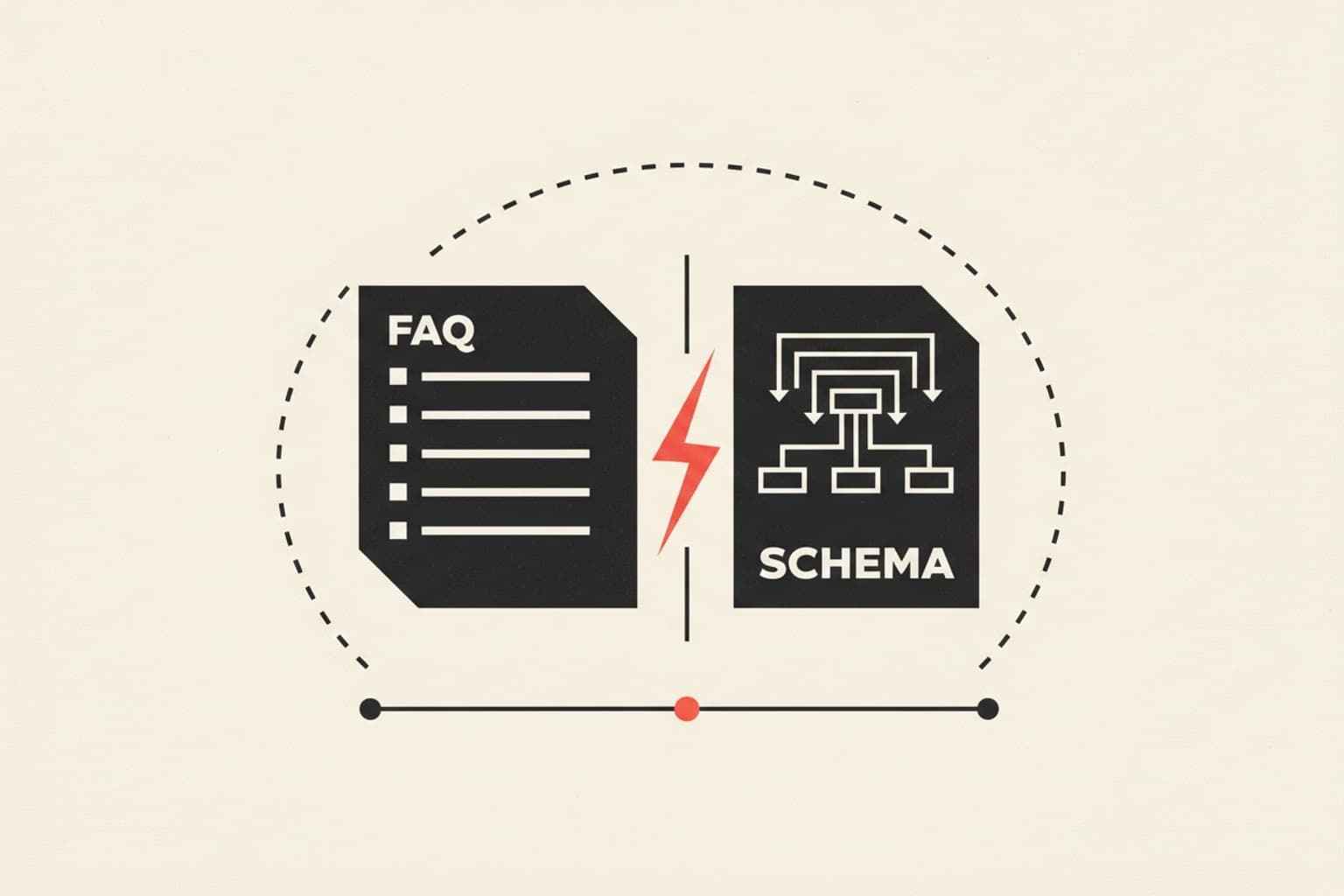
FAQPage schema unlocks rich results in Google Search — but only when the structured data exactly mirrors the visible Q&A content on the page. A DOM mismatch, where your JSON-LD text diverges from what users see, triggers a Google manual action or a silent rich-result suppression. Get the implementation right the first time.
What Is FAQPage Schema?#
FAQPage schema is a structured data type from Schema.org that marks up a page containing a list of questions and their answers. When implemented correctly, Google may display those questions as expandable dropdowns directly in the SERP, giving your result significantly more visual real estate.
The schema uses three nested types:
FAQPage— the top-level type applied to the pageQuestion— each individual question entityAnswer— the accepted answer for each question
What Causes a DOM Mismatch in FAQPage Schema?#
A DOM mismatch occurs when the text inside your JSON-LD @type: "Answer" field does not match the text rendered in the HTML that users read. Google's crawlers compare both sources. If they differ — even in punctuation, truncation, or HTML entity encoding — the rich result is suppressed or flagged.
Common causes:
- Pulling FAQ answers from a CMS field that gets truncated for the schema but shown in full on the page
- Stripping HTML tags from the answer for JSON-LD without updating the visible text
- Lazy-loading FAQ content with JavaScript after the schema has already been injected
- Copy-pasting schema from another page without updating the answer text
How to Write FAQPage Schema in JSON-LD#
Always use JSON-LD in a <script type="application/ld+json"> block inside <head> or directly before </body>. Avoid Microdata or RDFa for FAQs — they are harder to maintain and more prone to mismatch.
Here is a minimal, correct example:
{
  "@context": "https://schema.org",
  "@type": "FAQPage",
  "mainEntity": [
    {
      "@type": "Question",
      "name": "What is FAQPage schema?",
      "acceptedAnswer": {
        "@type": "Answer",
        "text": "FAQPage schema is structured data that marks up Q&A content on a page so Google can display it as rich results in the SERP."
      }
    },
    {
      "@type": "Question",
      "name": "How do I avoid DOM mismatch errors?",
      "acceptedAnswer": {
        "@type": "Answer",
        "text": "Ensure the text in your JSON-LD answer fields exactly matches the visible answer text on the page, including punctuation and spacing."
      }
    }
  ]
}
Rules for the text Field
- Strip all HTML tags —
textmust be plain text or very limited HTML (<a>,<b>,<ul>,<li>are permitted by Google's guidelines) - Do not truncate: if your visible answer is 200 words, the schema
textmust represent the same content - Encode special characters properly: use
&not&inside JSON string values if the JSON is embedded in HTML - Keep answers under 4,096 characters to stay within Google's display comfort zone
How to Sync Schema with Visible DOM Content#
The most reliable approach is to generate JSON-LD dynamically from the same data source that powers your visible FAQ component.
Server-Side Rendering (SSR) Approach
- Store FAQ pairs in a single data source (CMS field, database row, or config file).
- Render the visible
<details>/<summary>or accordion HTML from that source. - In the same template, loop over the same data to emit the JSON-LD block.
- Both outputs are now guaranteed identical at render time.
Client-Side / SPA Approach
If your FAQ is rendered by JavaScript (React, Vue, etc.), inject the <script type="application/ld+json"> block server-side via SSR or a meta-management library (e.g., react-helmet, next/head). Never inject it only after a client-side fetch completes — Googlebot may index the page before the data loads.
You can generate and validate your JSON-LD block quickly with the SeoChatAI Schema Generator, which outputs spec-compliant markup ready to paste.
How to Test FAQPage Schema Before Deploying#
Testing before deployment prevents silent suppression.
- Google Rich Results Test — paste your URL or code snippet at search.google.com/test/rich-results. Look for zero errors and zero warnings under FAQPage.
- Schema.org Validator — validator.schema.org checks structural validity independent of Google's opinionated rules.
- Search Console Enhancement Report — after deployment, monitor the "FAQ" enhancement report under Enhancements in GSC for coverage and validity errors.
- Manual comparison — visually compare rendered page text to the JSON-LD
textvalues. Any divergence is a mismatch risk.
What Are Google's Content Rules for FAQPage Schema?#
Google's structured data guidelines restrict FAQPage markup to pages where the site itself authors and controls the answers. Pages where users submit answers (forum threads, community Q&A) must use QAPage schema instead. Violating this results in a manual action.
Additional content restrictions:
- Answers must not be primarily promotional or contain only links
- Each question must have exactly one
acceptedAnswer - The FAQ content must be visible and accessible to users without login
How to Handle Dynamic or Accordion FAQs#
Accordion-style FAQs (collapsed by default) are still eligible for rich results as long as the content exists in the DOM when Googlebot renders the page. Use CSS display:none or the <details> element — both are crawlable. Avoid rendering answers only after a user click event via JavaScript with no SSR fallback.
For CMS-managed FAQs, use the SeoChatAI Schema Generator to batch-produce JSON-LD from a spreadsheet or JSON export, then validate each entry before publishing.
Quick Checklist Before Publishing FAQPage Schema#
- JSON-LD uses
@type: "FAQPage"at the top level - Each question uses
@type: "Question"with anamefield - Each answer uses
@type: "Answer"with atextfield -
textcontent matches visible page text exactly - No HTML tags beyond those Google permits in
text - Script block placed in
<head>or before</body> - Passes Google Rich Results Test with zero errors
- FAQ content is visible without JavaScript or login
- Not used on user-generated Q&A pages (use QAPage there)

Essayez notre JSON-LD schema generator gratuit
Lire l'article